Guides to more (and better) reviews
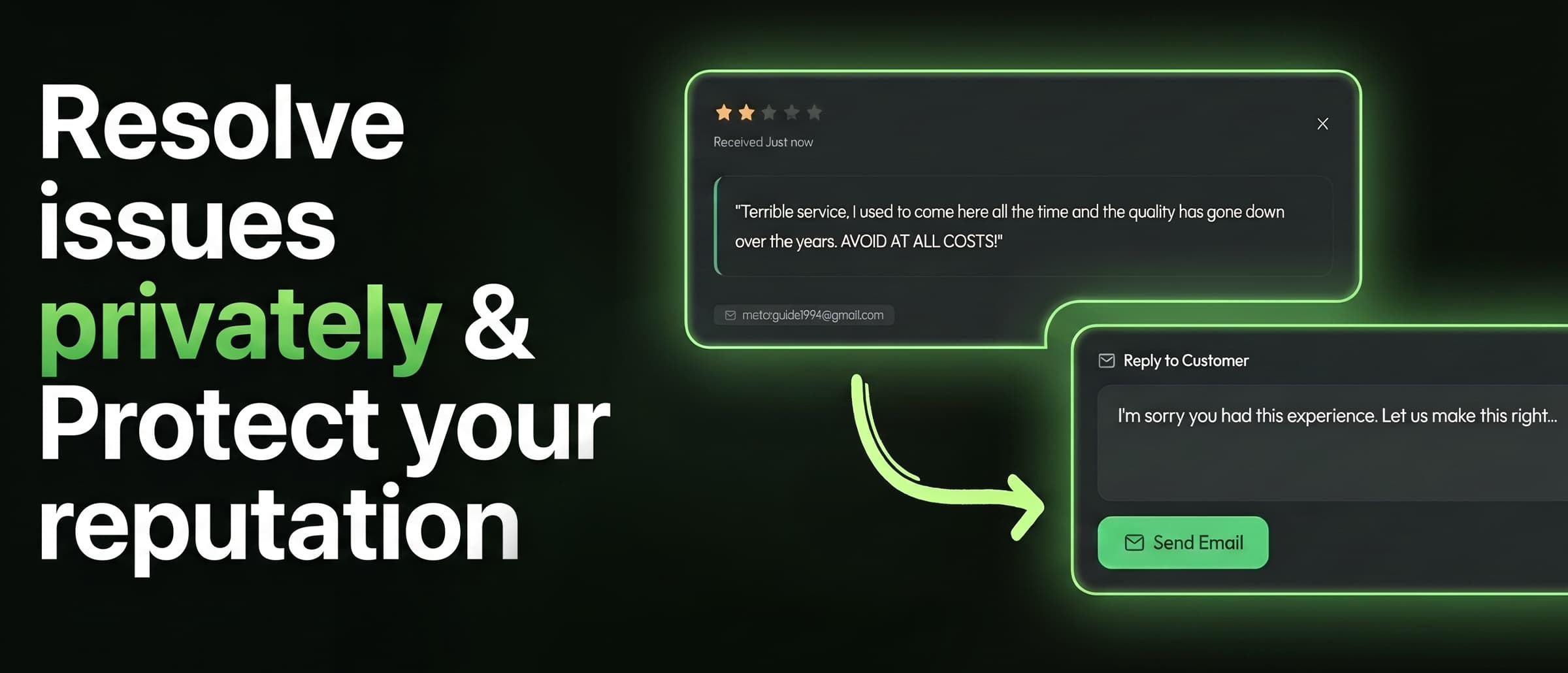
How to Get More Google Reviews: 12 Ways That Work in 2026
Most happy customers would leave you a review. They just never get asked at the right moment, and leaving one takes too many steps. Here's how to fix both.
Read the guideFree tools
Get your Google review link and print it as a review QR code. Free, no signup.
- Free tool
Google review link generator
Search for your business, copy the link, and send customers straight to your Google review form. No searching Maps, no extra taps.
Open the tool - Free tool
Review QR code generator
Paste any review link and download a QR code for your counter, receipts, menus or window. Free, no signup, and it never expires.
Open the tool
Getting reviews
How to ask, when to ask, and how to make leaving a review take seconds.
How to get more Google reviews
A practical guide for local businesses: when to ask, how to make reviewing take seconds, and the Google rules you can't break.
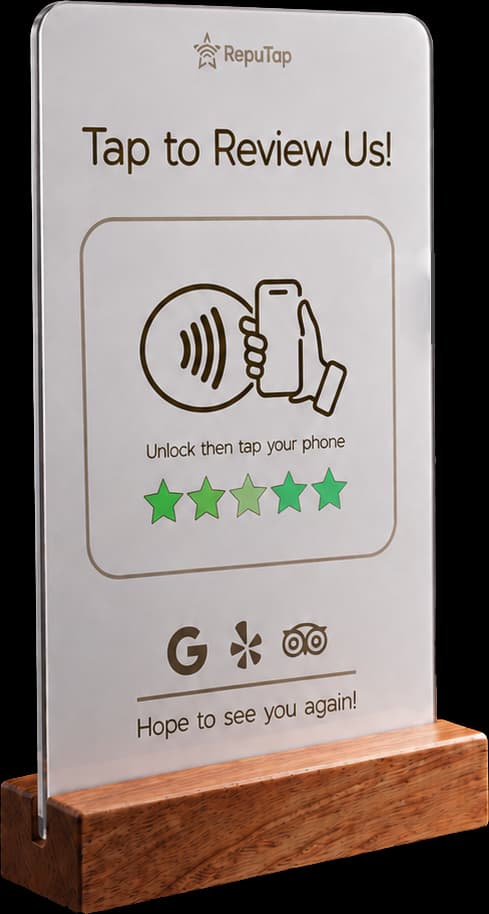
What is an NFC review stand?
How NFC review stands work, which iPhones and Android phones support them, where to put one, and how to fix a stand that won't scan. Plain-English guide.
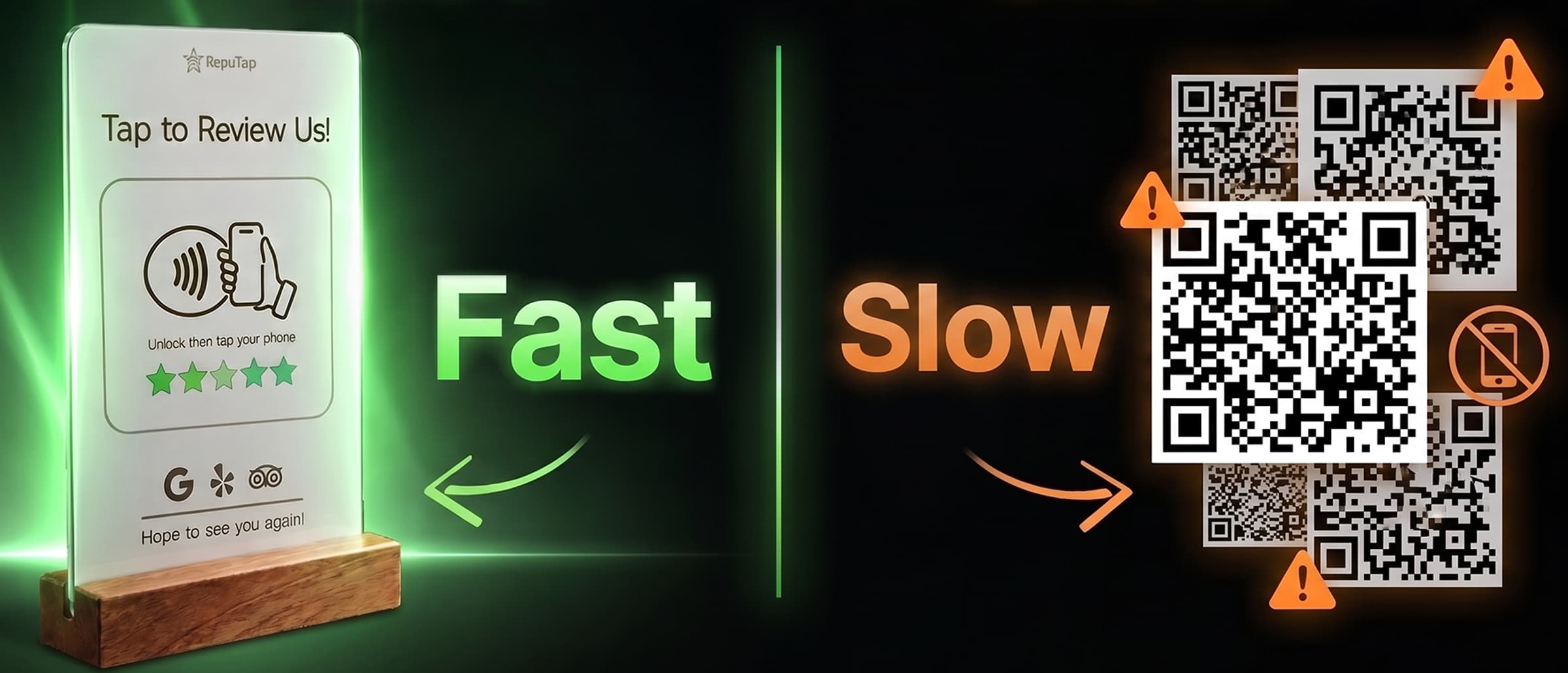
NFC vs. QR codes for reviews
NFC tap stands and QR codes both open your review page. We compare steps, speed, low-light use, phone support, cost and scam risk, and where each one wins.
Feedback & replies
Handle unhappy customers, answer every review, and learn from what people tell you.
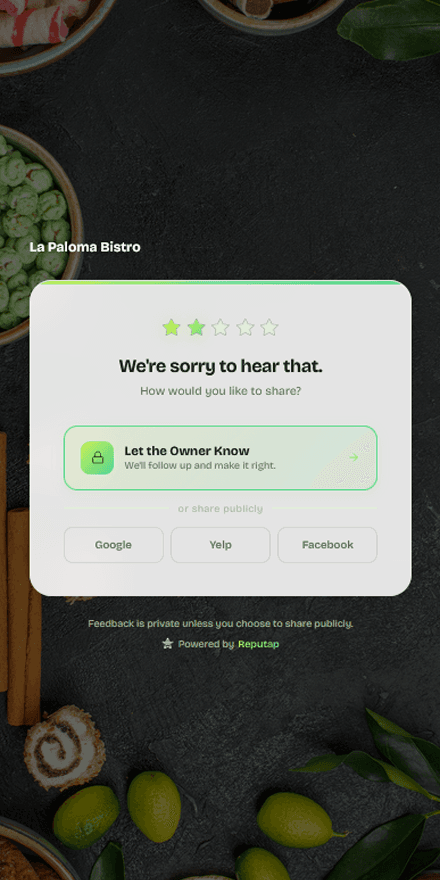
How to prevent bad reviews
Most bad reviews start as a problem nobody heard about. How to catch unhappy customers before they leave, fix it fast, and stay within Google's rules.
How to respond to negative reviews
A simple five-step formula for replying to bad reviews, real response examples, the mistakes that make it worse, and what to do about fake reviews.
How to respond to positive reviews
Why replying to 5-star reviews matters, a three-step formula that takes a minute, real response examples, and the mistakes that make replies look automated.
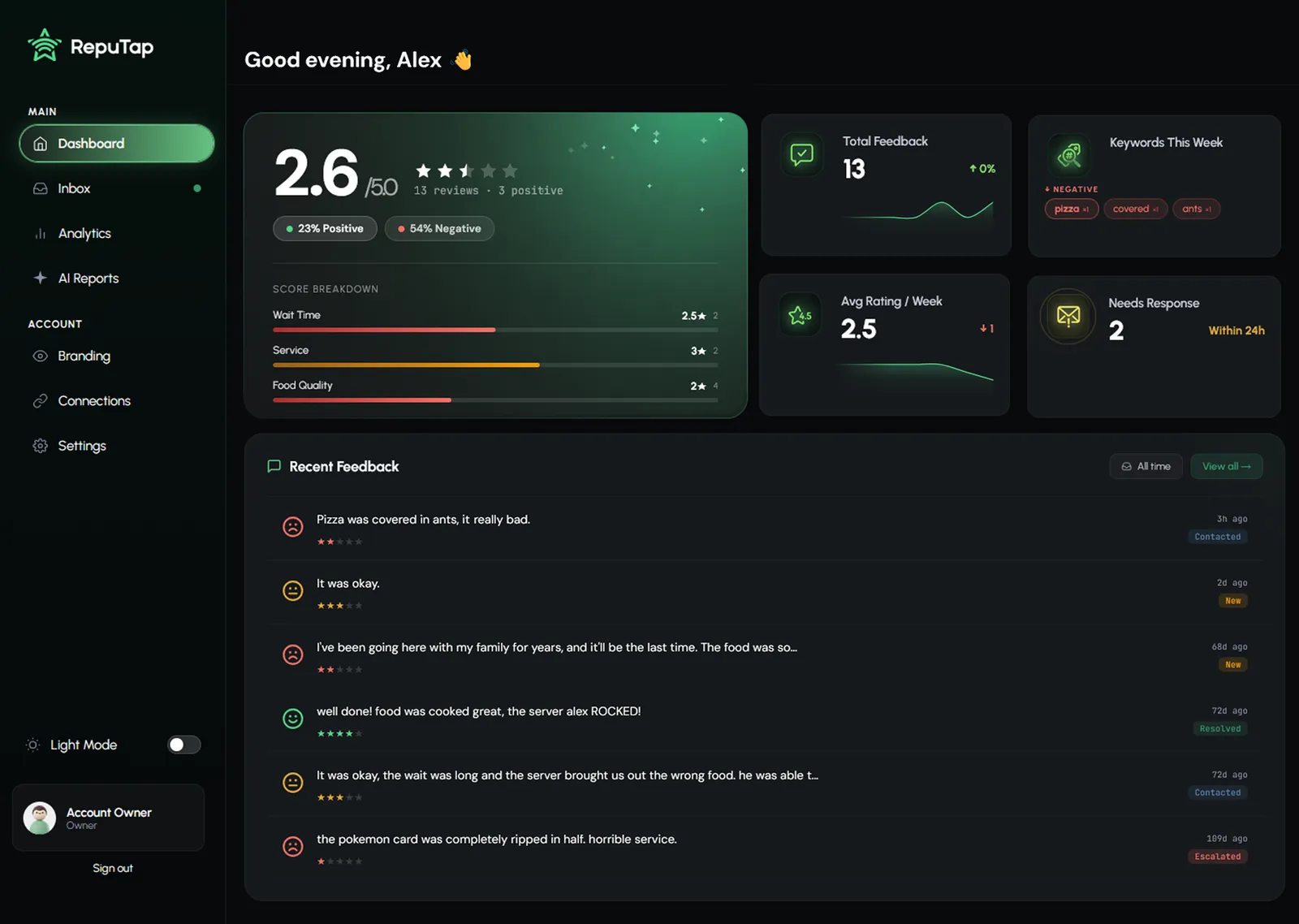
How to analyze customer feedback
Turn reviews and comments into decisions. A simple system to tag feedback, spot real patterns, separate one-off complaints from trends, and act on them.
By industry
Playbooks for restaurants, hotels, salons, gyms, auto shops, cafés, dental offices and med spas.
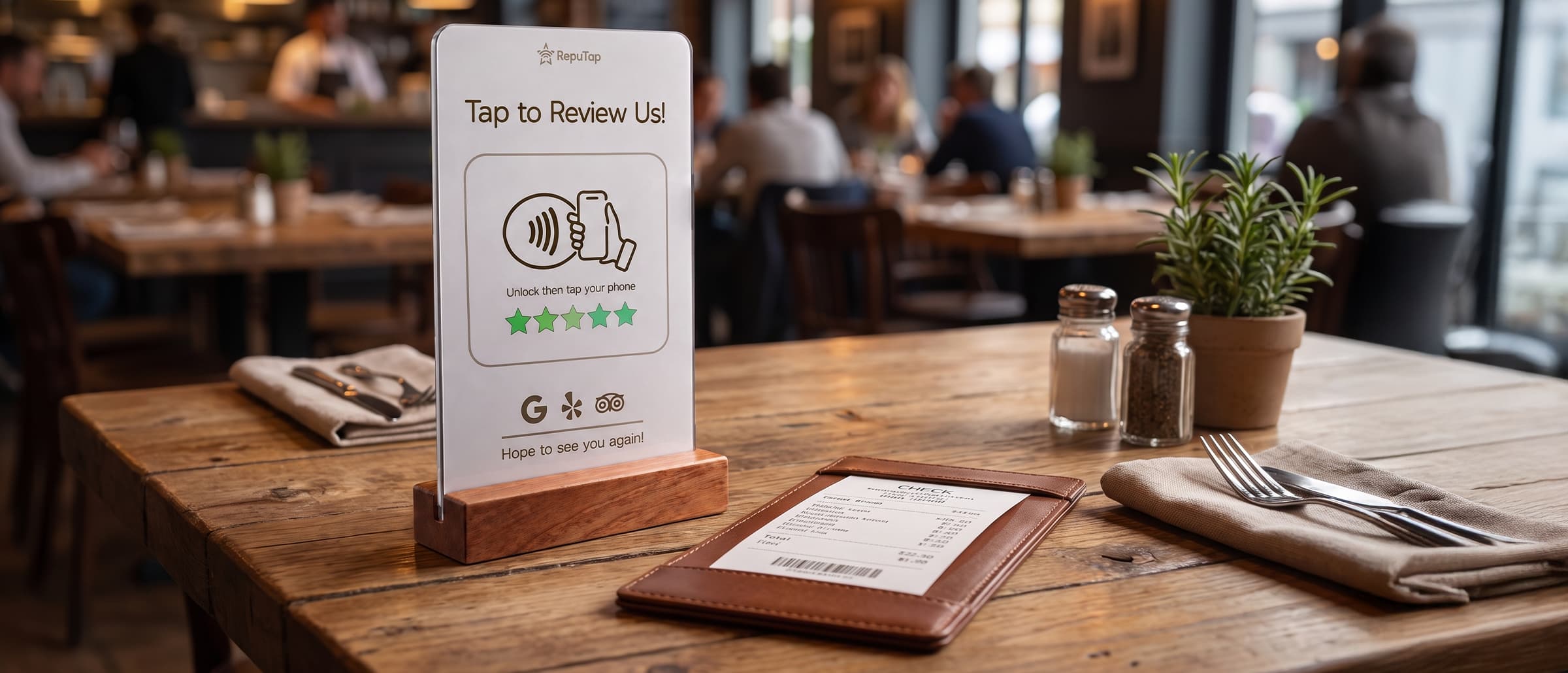
Google reviews for restaurants
When to ask diners for a review, where to put a tap stand, what servers can and can't say under Google's rules, and how to handle takeout and complaints.
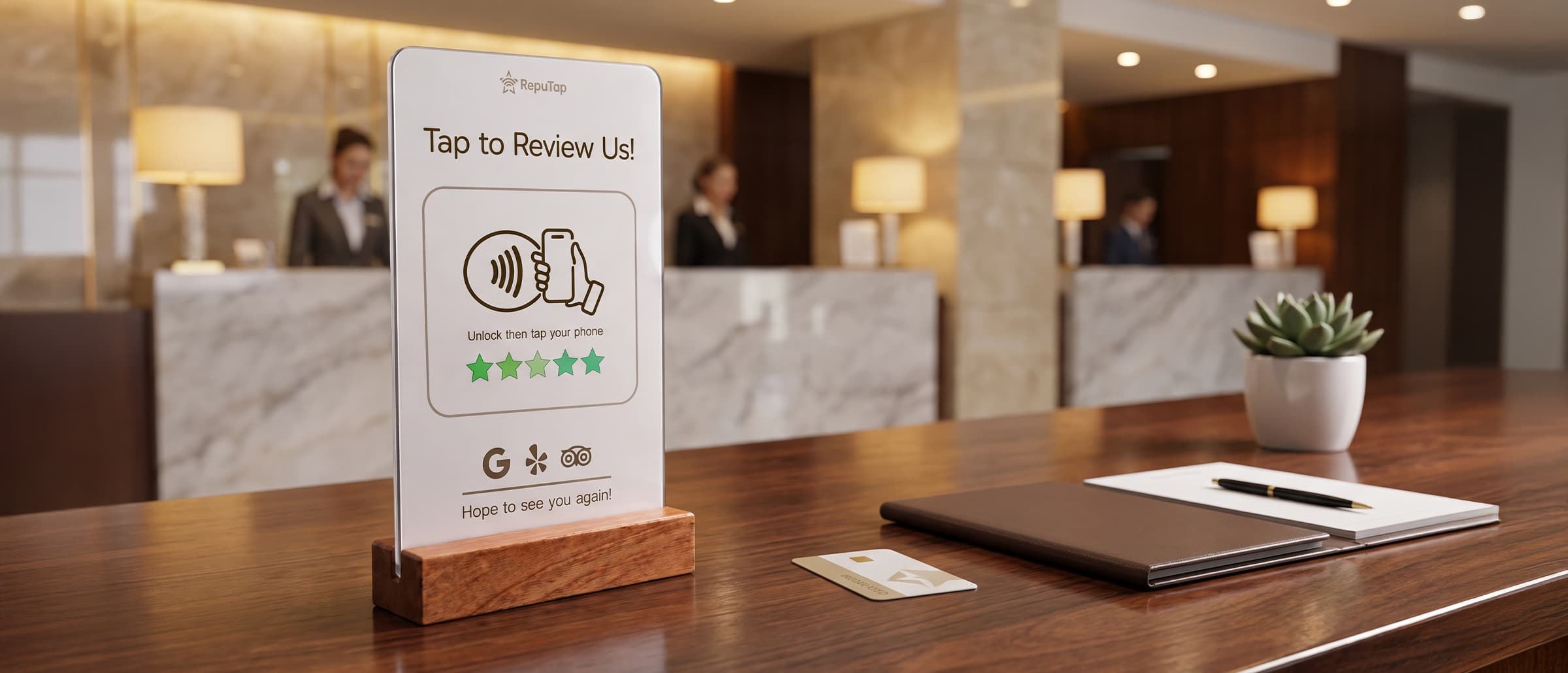
Reviews for hotels
A hotel playbook for more TripAdvisor and Google reviews: catch problems mid-stay, ask at checkout, where to place tap stands, and the rules both sites enforce.
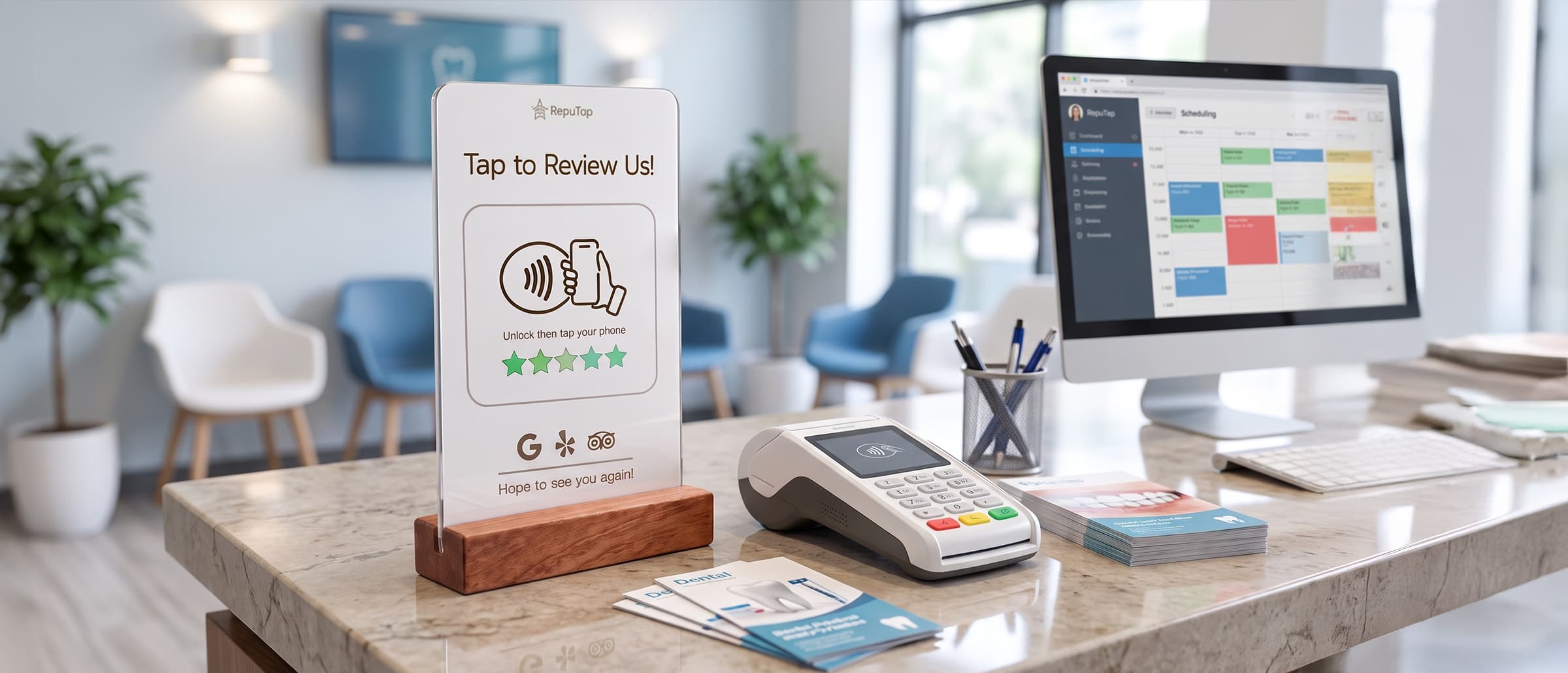
Patient reviews for dental & med spas
How dental practices and med spas can ask every patient for a review, where a tap stand fits, and how to reply to reviews without breaking patient privacy.
Reviews for salons & barbershops
When to ask salon and barbershop clients for a review, where a tap stand works best, what stylists can say, and what to do when a client hates their cut.
Reviews for gyms & studios
When to ask gym and studio members for a review, where to put a tap stand, the complaints that turn into 1-star reviews, and how to catch them early.
Reviews for auto repair shops
How auto repair shops and mechanics can ask every customer for a Google review at pickup, handle price and comeback complaints, and reply without arguing.
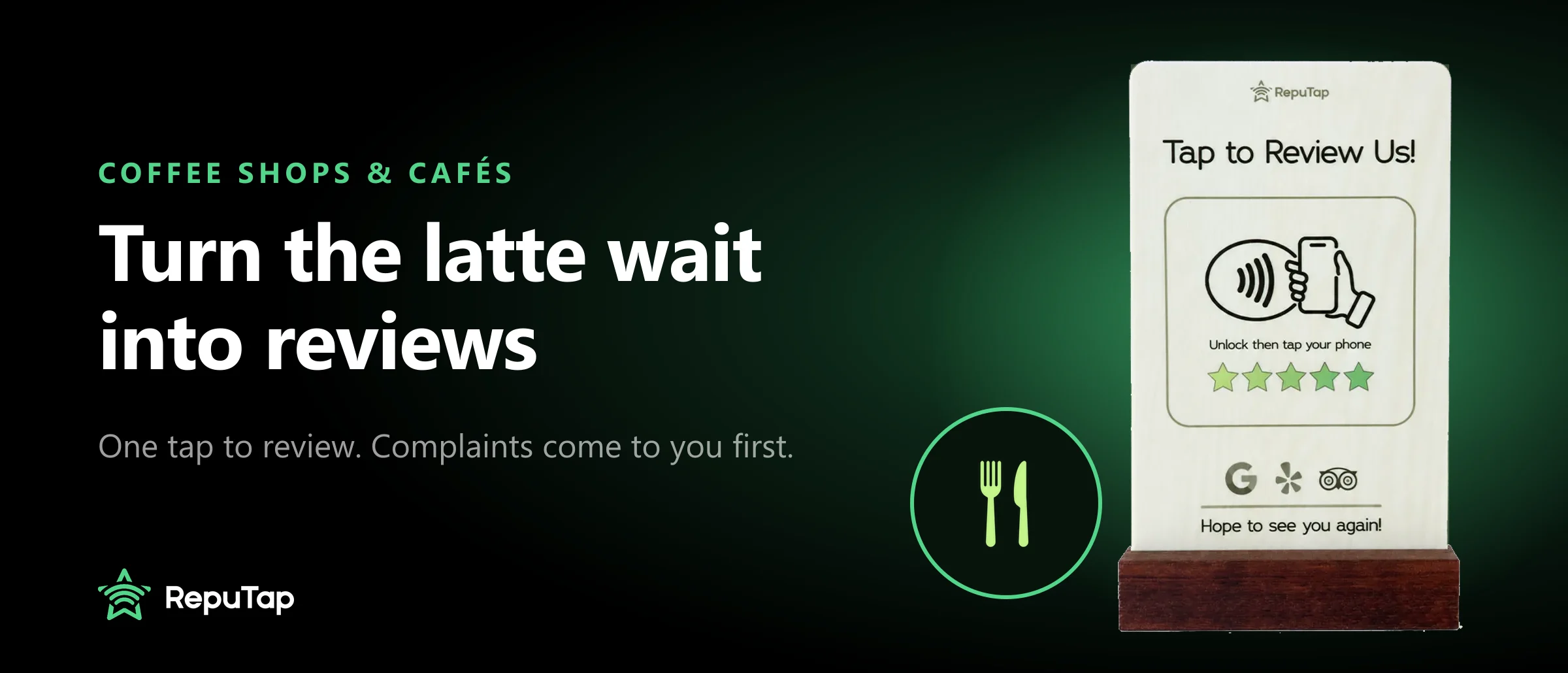
Reviews for coffee shops & cafés
How coffee shops and cafés can turn the wait for a drink into Google reviews, where to put a tap stand, and how to catch wrong-order complaints early.
Compare tools
Straight comparisons of review software, with real prices, so you only pay for what you'll use.
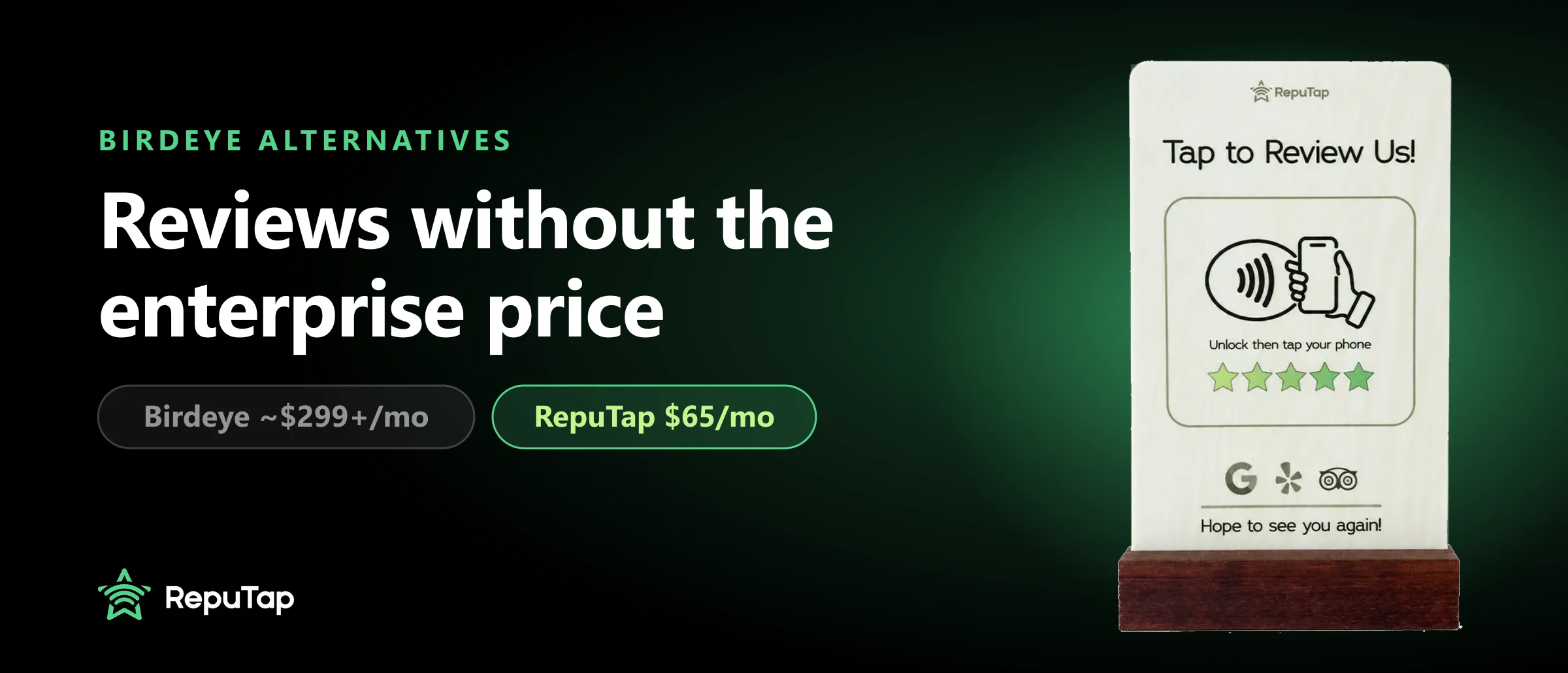
Birdeye alternatives
Birdeye is built for big teams and costs about $299+ per location a month. Five cheaper alternatives for local businesses, with prices and who each fits.
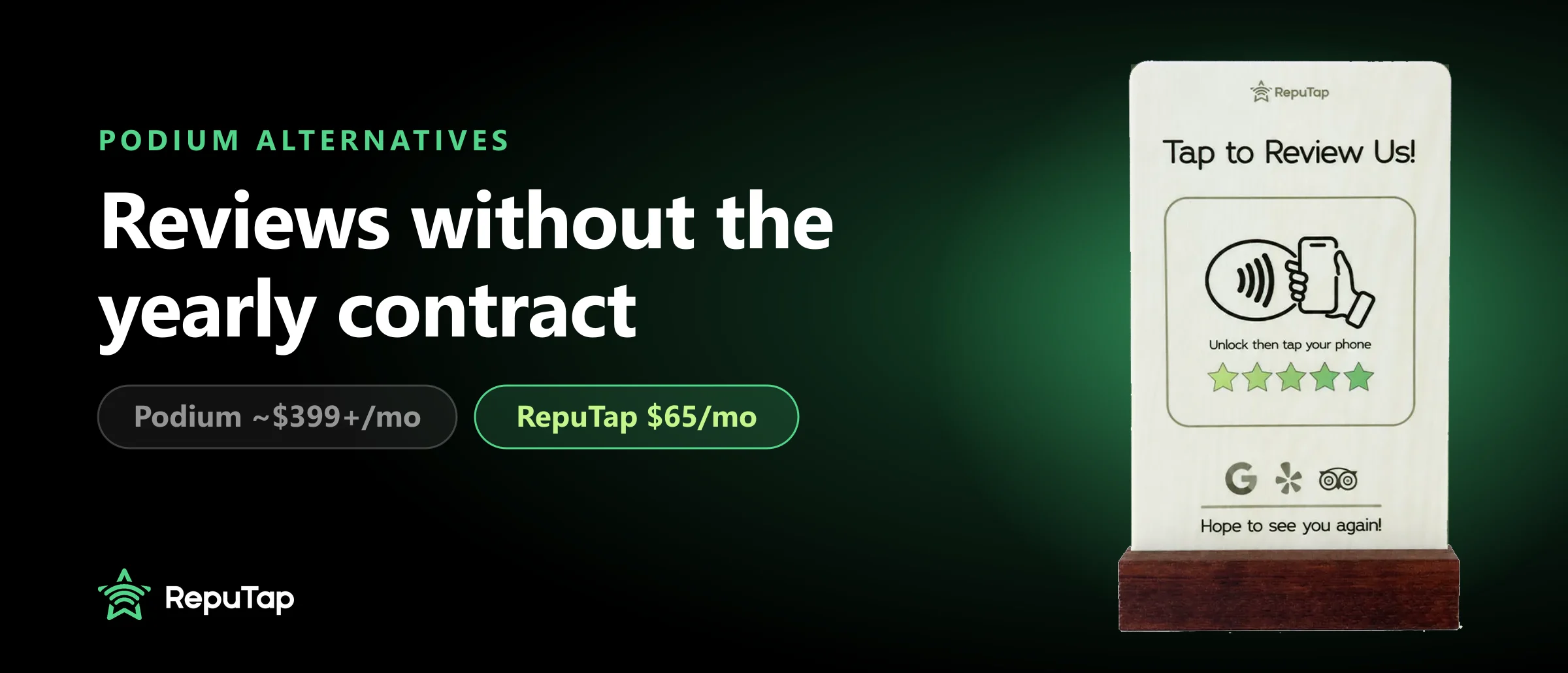
Podium alternatives
Podium is reported at $399+ a month on a yearly contract. Five alternatives for getting more reviews and hearing complaints first, with prices and who each fits.
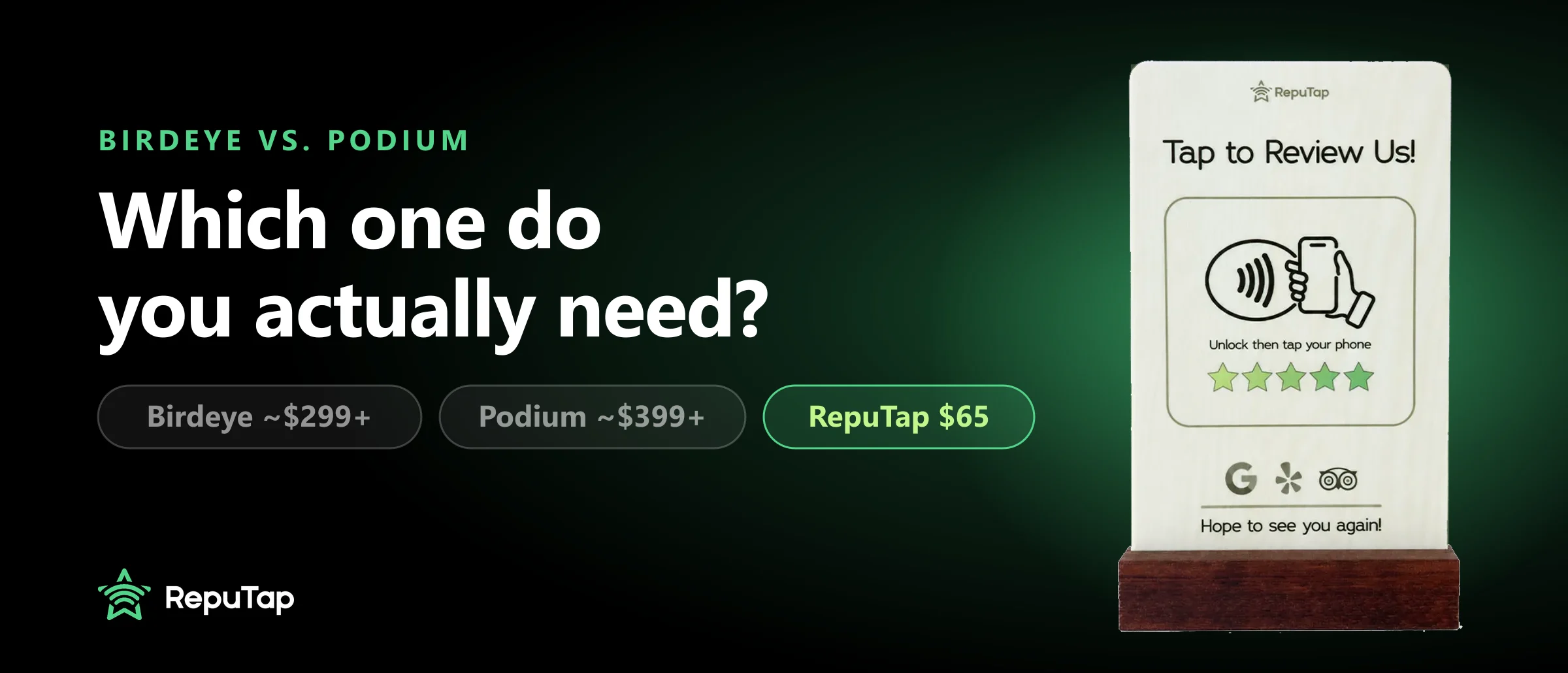
Birdeye vs. Podium
Birdeye vs Podium compared on price, contracts, reviews, messaging and payments, plus a much cheaper option if reviews are what you really need.
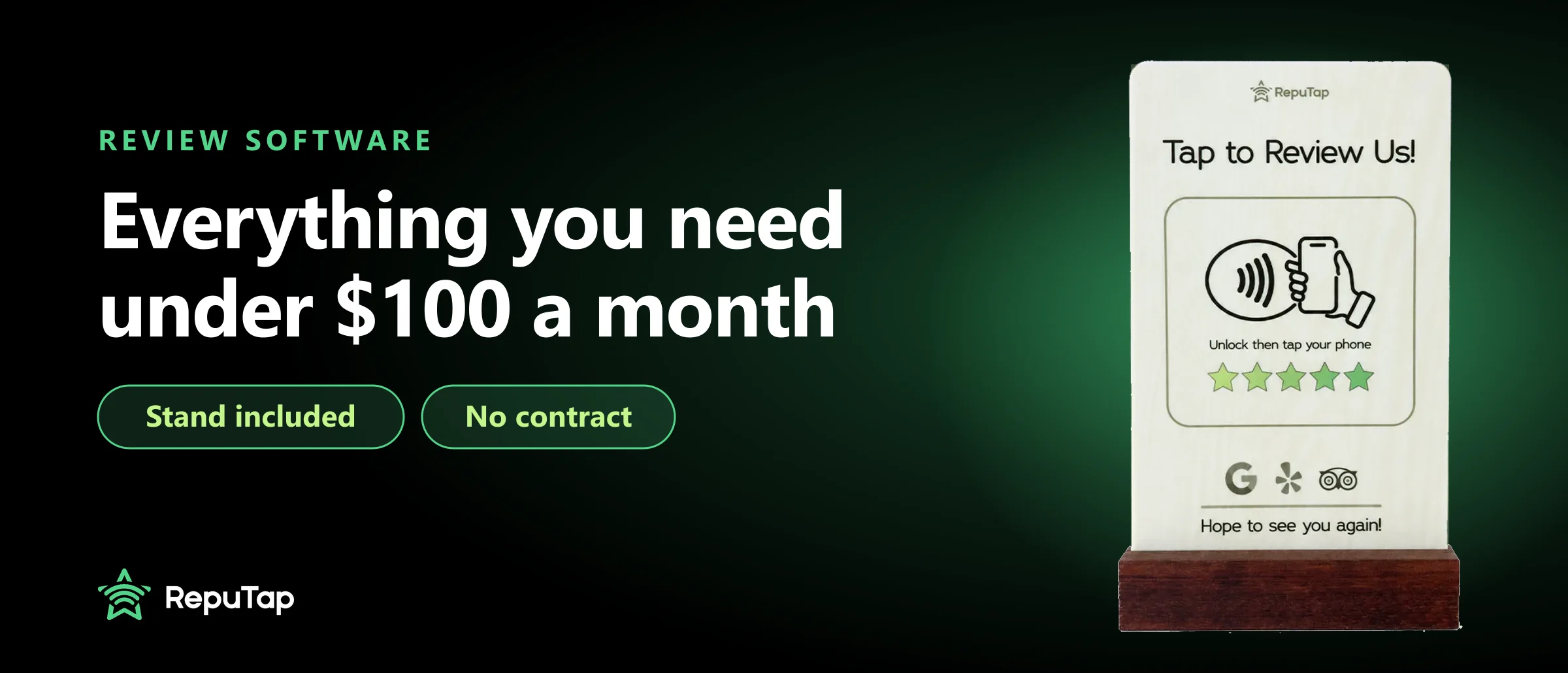
Affordable review software
What a small business really needs from review software, what you can skip, the contract traps to avoid, and affordable tools that cost under $100 a month.