Free Google Review Link Generator
Search for your business, copy the link, and send customers straight to your Google review form. No searching Maps, no extra taps.
How it works
Type your business name and city, press Search, and pick your business from the list.
Copy the review link. It opens the Google review form for your business directly.
Share it by text, email, receipts and your website, or turn it into a QR code to print.
Frequently asked questions
What does a Google review link do?
It opens the review window for your business on Google, with the stars ready to tap. Customers skip searching for you on Maps and scrolling to the reviews section, which is where most of them give up.
Is this the same link Google gives me?
It goes to the same place. Google's Business Profile also offers a short review link under 'Ask for reviews'. This tool builds the full link from your business's Google Place ID, which works without signing in to your profile.
My business doesn't show up. What now?
Try the exact name as it appears on Google Maps plus your city. If it still doesn't appear, your Business Profile may not be verified or published yet; check it in Google Business Profile.
Do customers need a Google account to leave a review?
Yes. Customers who are already signed in to Google go straight to the stars. Others are asked to sign in first.
More free tools
- Free Review QR Code Generator: Paste any review link and download a QR code for your counter, receipts, menus or window. Free, no signup, and it never expires.
Related guides
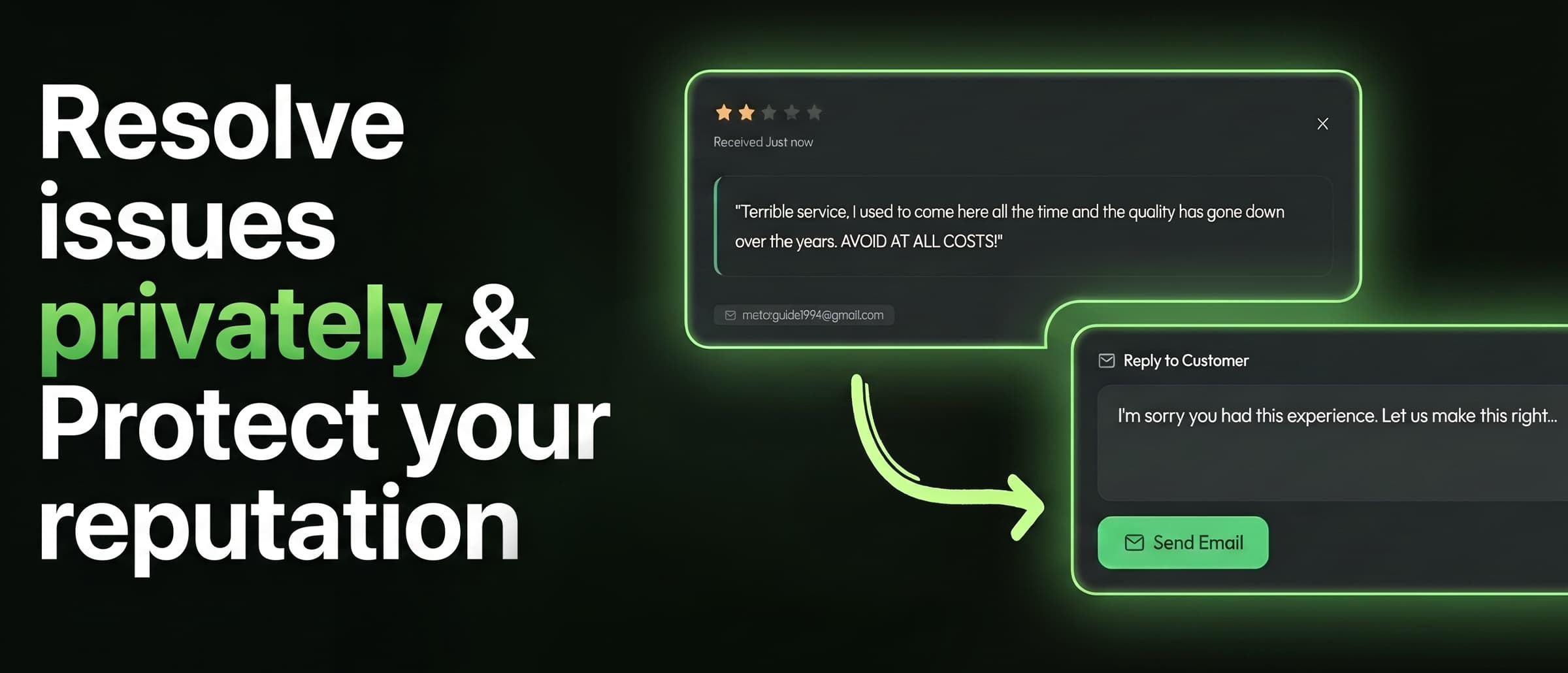 Getting reviews
How to get more Google reviews
A practical guide for local businesses: when to ask, how to make reviewing take seconds, and the Google rules you can't break.
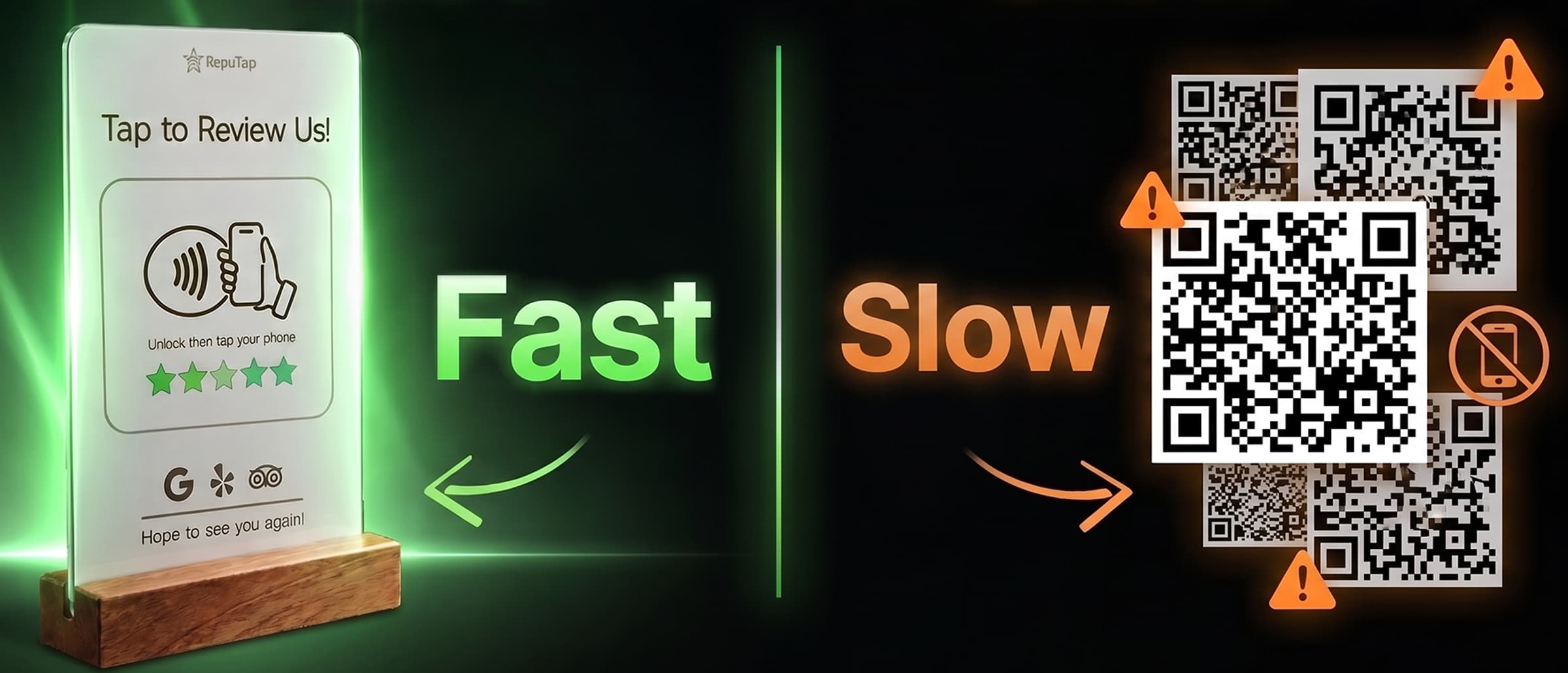 Getting reviews
NFC vs. QR codes for reviews
NFC tap stands and QR codes both open your review page. We compare steps, speed, low-light use, phone support, cost and scam risk, and where each one wins.
 Feedback & replies
How to respond to positive reviews
Why replying to 5-star reviews matters, a three-step formula that takes a minute, real response examples, and the mistakes that make replies look automated.