NFC vs. QR Codes for Reviews: Which Gets More Customers to Actually Leave One?
 By the RepuTap teamUpdated 3 min read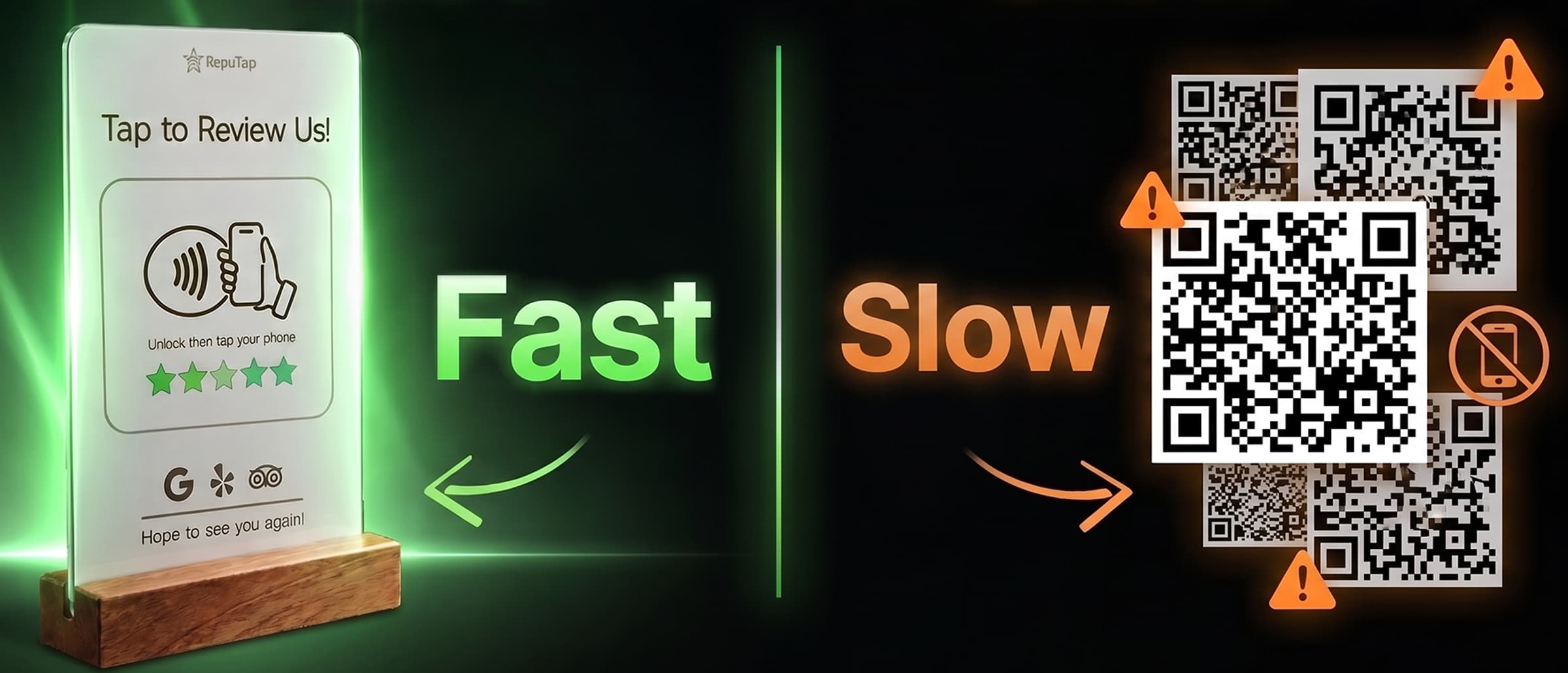
On this page
The short answer
- NFC takes two actions (unlock, tap). A QR code takes four or five (unlock, open camera, frame the code, wait, tap the link).
- NFC works in dim restaurants and bars where cameras struggle, and can't be covered with a fake sticker the way a QR code can.
- QR codes win anywhere the customer isn't within arm's reach: windows, posters, printed receipts and emails.
- The best setup uses both: an NFC stand at the point of service, and a QR code or link on everything you send afterwards.
Why the number of steps matters
Every extra step between “sure, I’ll leave one” and your review form loses customers. NFC and QR codes both skip searching for you on Google Maps. The difference is what happens before the page opens.
Tap vs. scan, step by step
| Step | NFC stand | QR code |
|---|---|---|
| 1 | Unlock phone | Unlock phone |
| 2 | Hold phone to stand | Open the camera |
| 3 | Review page opens | Frame the code and wait for focus |
| 4 | — | Tap the small link banner |
At a busy counter or a dim table, those extra seconds are when people say “I’ll do it later” and don’t.
Full comparison
| Factor | NFC stand | QR code |
|---|---|---|
| Speed | Two actions | Four to five actions |
| Low light | Works anywhere | Cameras struggle in dim rooms |
| Distance | Within arm’s reach | Works from across a room |
| Phones | Every iPhone since XR/XS, nearly all Android | Any phone with a camera |
| Tampering | Chip sealed inside the stand | Fake stickers can cover real codes |
| Wear | Nothing to fade or smudge | Prints fade and get covered |
When to use each
NFC wins at the point of service: the checkout counter, restaurant tables, the bar, reception desks and salon stations. Anywhere the customer is right there when the good moment happens. It’s also easier for staff to say “just tap your phone here.”
QR codes win where the customer can’t touch the sign: printed receipts, follow-up emails, windows and posters.
The best setup uses both: a stand where the visit ends, and a QR code on everything customers take home.
How RepuTap helps
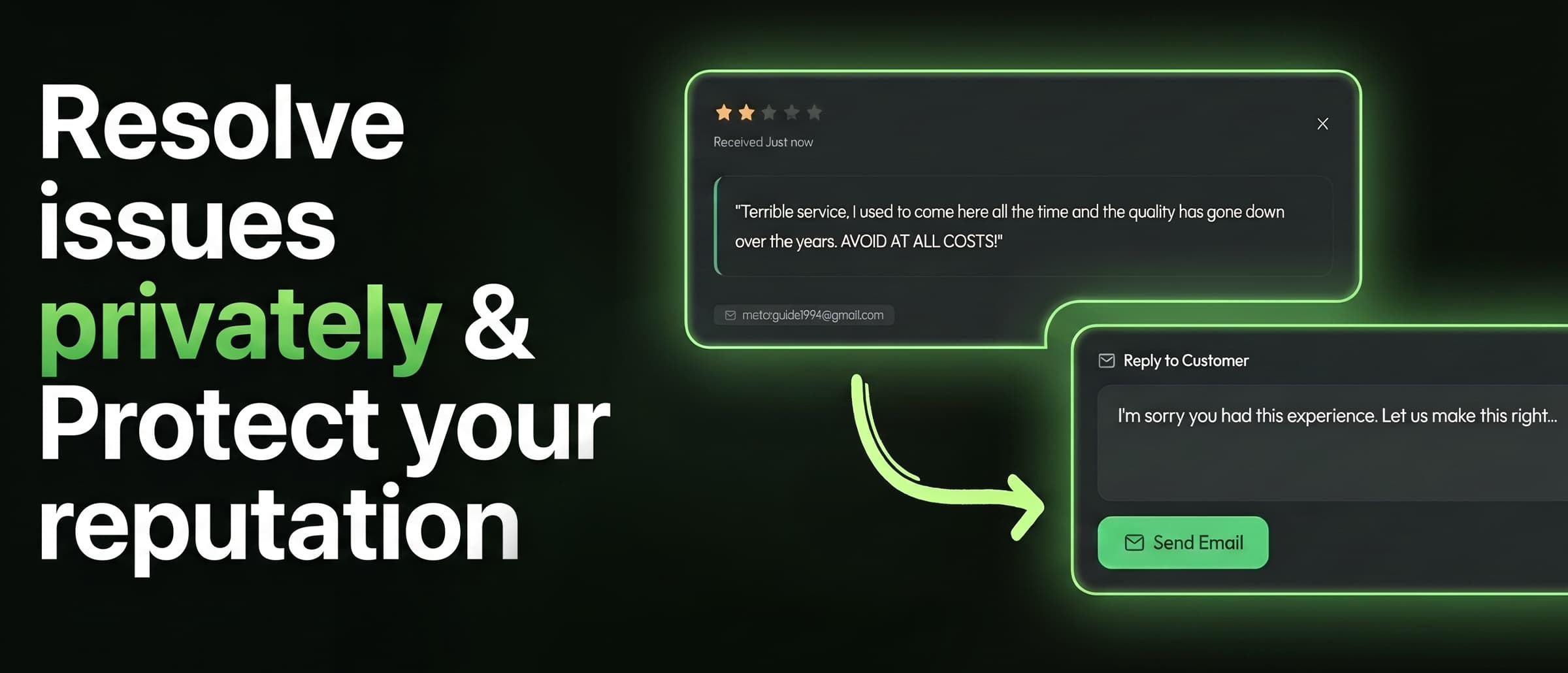
A RepuTap stand is built for the point of service. Customers tap, rate their visit, and choose Google, Yelp or TripAdvisor. Unhappy customers can also message you privately, and you get an instant alert. Every rating lands in one dashboard, so you can see exactly what the stand brings in.
New to NFC? Read how NFC review stands work.
Frequently asked questions
Is NFC faster than a QR code?
Usually, yes. With NFC the customer unlocks their phone and holds it to the stand. With a QR code they also need to open the camera, line up the code, wait for it to focus and tap the link banner. In a busy checkout line those extra seconds are where people give up.
Do all phones support NFC?
Every iPhone since the XR/XS reads NFC tags automatically, and nearly all current Android phones have NFC. A small number of budget Android models don't, which is why it's smart to also have your review link available as a QR code or short link on receipts.
Can a QR code go straight to my Google review form?
Yes. Turn your Google Business Profile review link into a QR code and it will open the review form directly. Test it on both an iPhone and an Android phone before printing.
Are QR codes safe for customers?
The code itself is harmless, but scammers sometimes stick their own QR codes over real ones. An NFC chip sealed inside a stand is much harder to tamper with.

RepuTap makes the RepuTap Stand, RepuTap Cards and feedback software for restaurants, salons, clinics, hotels, gyms and shops across the US. We write these guides from what we see working for the 80+ businesses that use RepuTap every day.
Keep reading
 Getting reviews
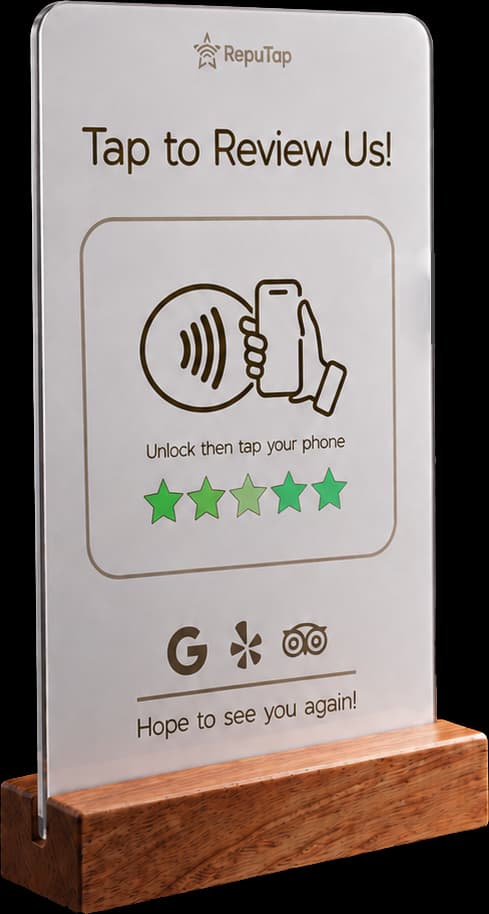
What is an NFC review stand?
How NFC review stands work, which iPhones and Android phones support them, where to put one, and how to fix a stand that won't scan. Plain-English guide.
 Getting reviews
How to get more Google reviews
A practical guide for local businesses: when to ask, how to make reviewing take seconds, and the Google rules you can't break.
 By industry
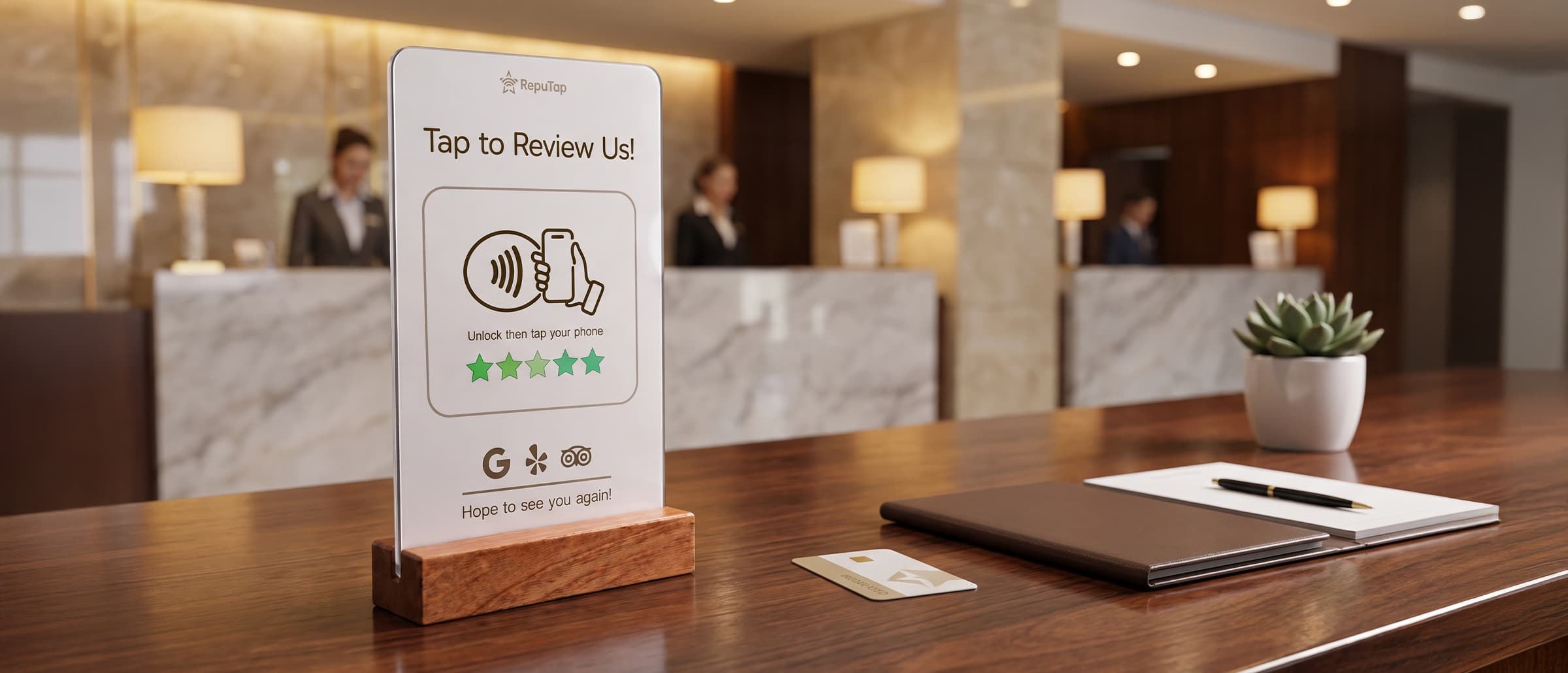
Reviews for hotels
A hotel playbook for more TripAdvisor and Google reviews: catch problems mid-stay, ask at checkout, where to place tap stands, and the rules both sites enforce.